
01 / SERVICE
Workflow automation for the work that repeats.
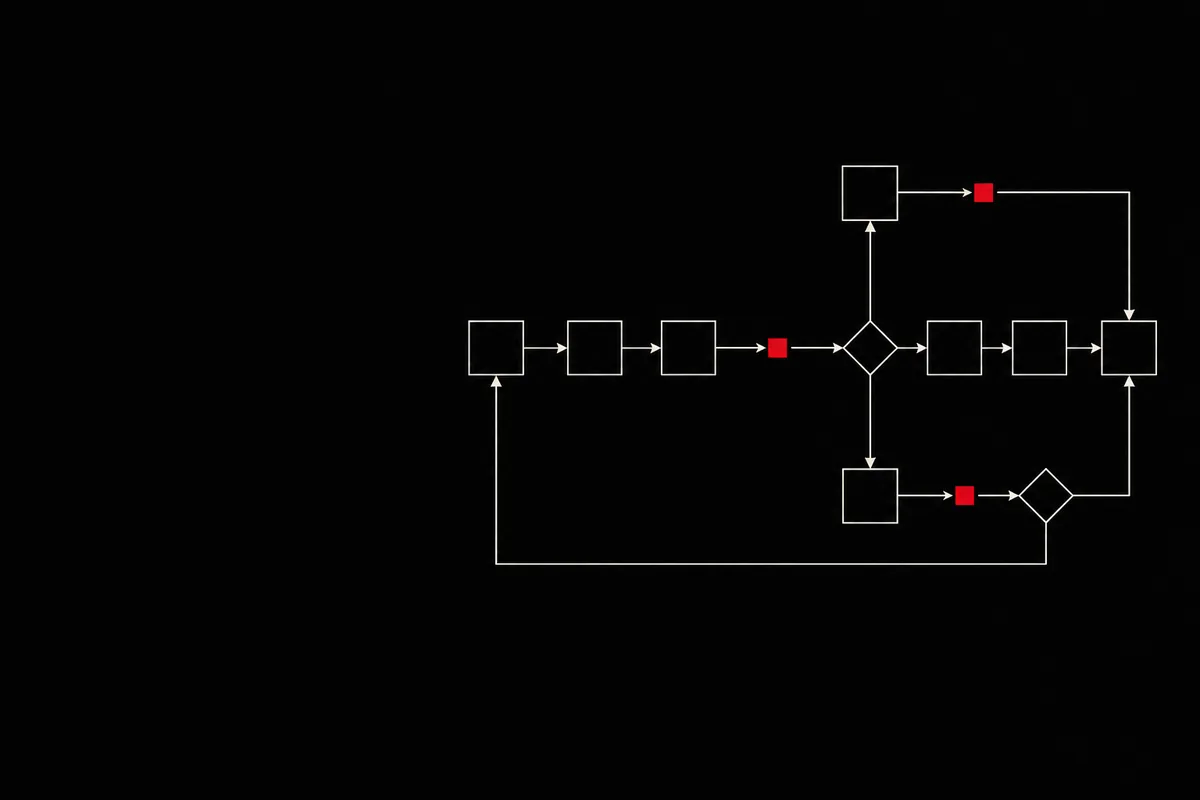
When information passes between inboxes, spreadsheets and applications, tasks can be delayed or repeated. We start by mapping the process and its human decisions, then assess whether an automation is appropriate for the available tools and permissions.
01 / WHAT WE DELIVER
What a workflow project can cover
01
Process mapping
Document the triggers, owners and hand-offs before changing the process.
02
Low-code workflow design
Assess approved connectors and decide where custom logic is actually needed.
03
Approvals and routing
Keep a person in the loop when a decision requires judgement or authority.
04
Data checks
Validate key fields and define what happens when records are incomplete or duplicated.
05
Scheduled reporting
Identify useful operational updates, subject to the available data.
06
Documentation and improvement
Describe configuration, ownership and a backlog of possible refinements.
02 / TYPICAL DELIVERABLES
A handover you can follow
Depending on scope, receive a process map, prioritised opportunities, a workflow design, agreed configuration, test scenarios for routine and exceptional paths, and operating notes. The proposal defines which deliverables apply.
03 / WHO IT IS FOR
For teams with repeatable hand-offs
Useful for small businesses processing recurring requests, operations teams coordinating approvals and agencies managing repeatable work. If the process itself is still unclear, discovery comes before automation.
04 / HOW WE WORK
Six steps from process to handover
Timing, tools and deliverables are set after discovery.
- Map the current route and its owners.
- Select a bounded improvement.
- Check connectors, access, data and exceptions.
- Agree the proposed workflow.
- Configure and test expected and failure paths.
- Document ownership and possible next iterations.
05 / FAQ
Workflow questions
Can different tools be linked?
Sometimes. We check supported integrations, API access and licences before proposing a connection.
Do approvals have to be automated?
No. A person can remain responsible for a decision while routing and reminders are automated.
What happens when a workflow fails?
The design can include validation, logging and an exception route; the exact controls depend on the tools and the risk.
Can you improve an existing workflow?
We can assess its logic, access, error handling and documentation before agreeing changes.
Is ongoing support included?
Only if its scope and response arrangements are agreed separately.
01 / WORKFLOWS & AUTOMATION
Tell us which process causes the most friction.
Describe the steps, current tools and desired outcome. We can discuss a bounded review before proposing implementation.
OTHER SERVICES
02
APIs & Integrations
Connect data between agreed systems using documented interfaces and a plan for failures.
Explore integrations
03
WordPress Plugins
Create a focused feature when an existing plugin does not fit the requirement.
Explore plugins
04
Themes & Templates
Give WordPress pages a reusable, editable structure based on the agreed visual direction.
Explore templates
05
Digital Marketing
Turn audience and channel choices into a content, search or measurement plan.
Explore marketing
06
Domains & Email
Set out ownership, DNS records and business email configuration before changes are made.
Explore domains & email